Software

Apps for Linux and Windows

Tools I develop myself and distribute for free: direct downloads from the official releases on GitHub, open source code.

Version 2.1.0

Super Linux Utility

The complete system manager for your Linux distro

Linux

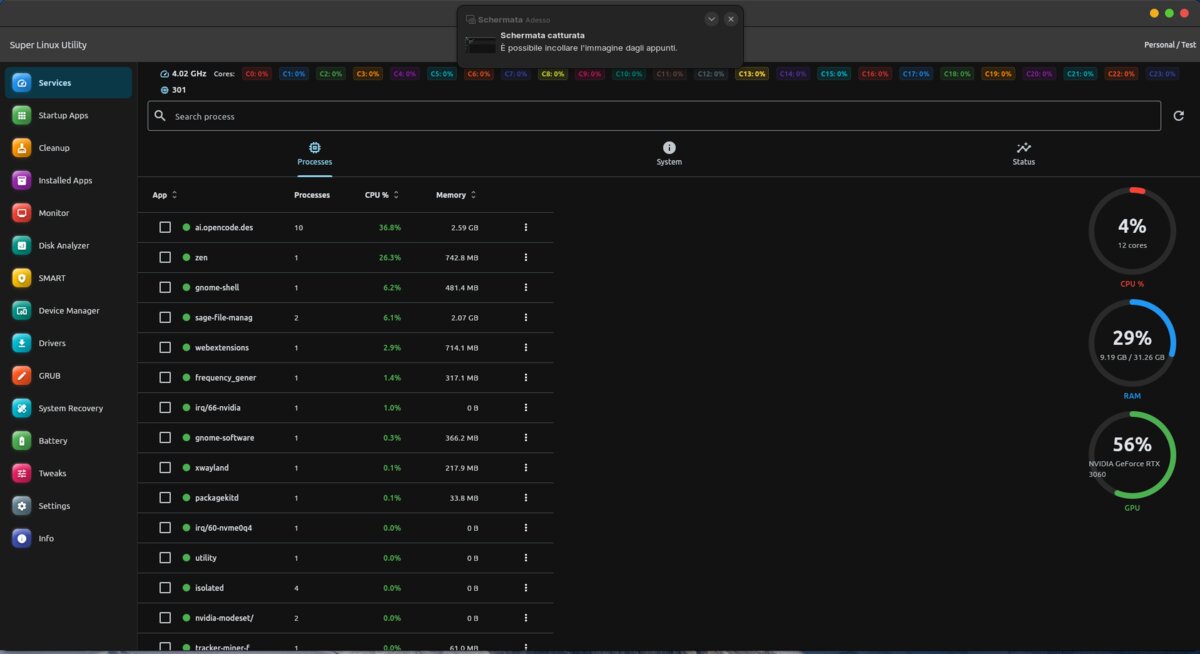
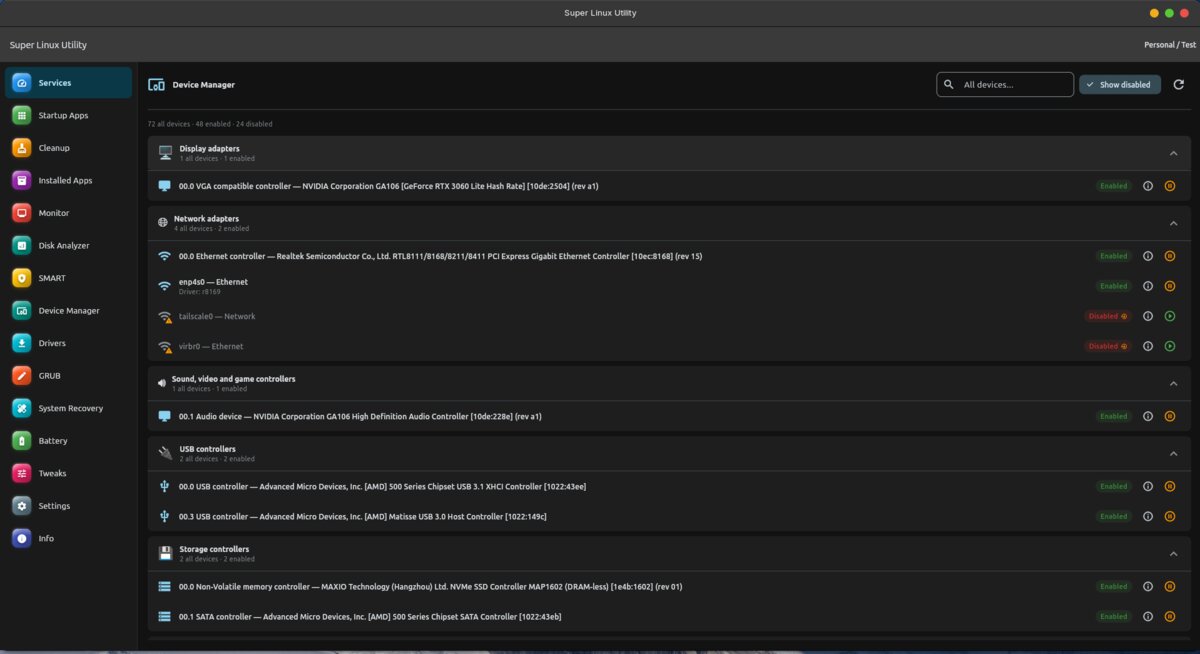
Super Linux Utility bundles into a single app systemd service management, startup apps, temp file cleanup, APT/Snap/Flatpak packages, CPU/RAM/disk monitoring and disk analysis. It comes in a free Standard edition and an Advanced edition with GRUB editor, kernel management and recovery tools.

Key features

  • Systemd services, units and startup apps from a single interface
  • Startup apps, temp file cleanup and APT, Snap and Flatpak packages
  • CPU, RAM and disk monitoring with detailed storage analysis
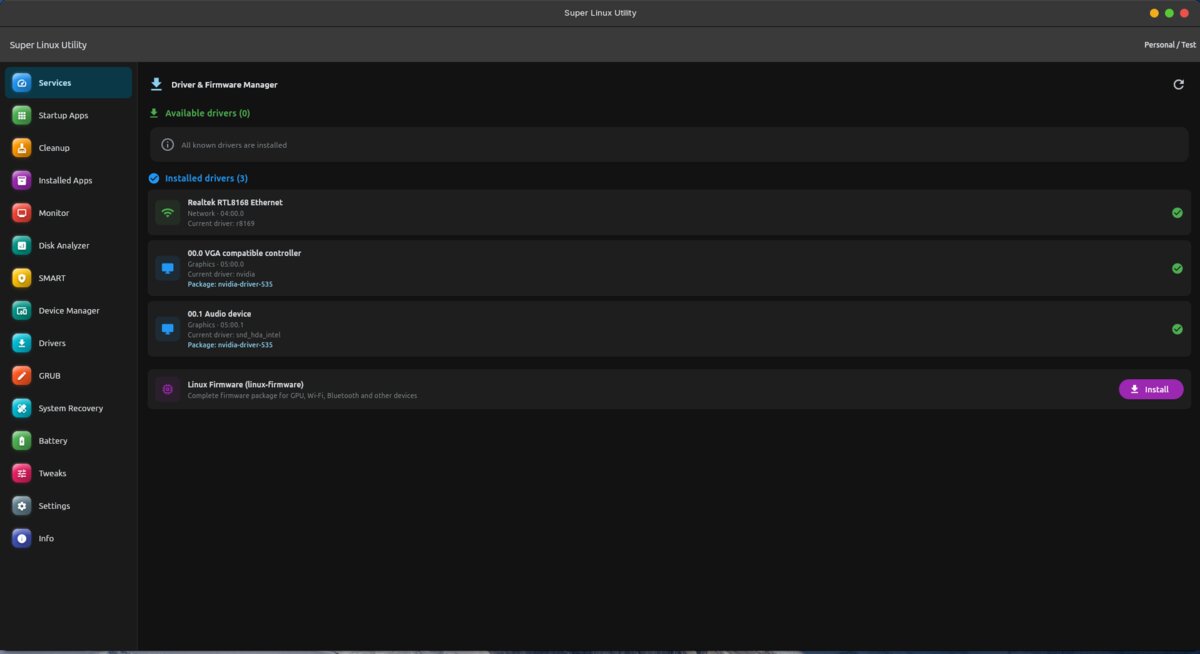
  • Universal driver & firmware manager (NVIDIA, AMD, Realtek, Intel) in one click
  • Battery management, clipboard history and advanced cache cleanup
  • System appearance: themes, icons and wallpapers in a few clicks
PlatformsDebian/Ubuntu (.deb) · AppImage · Arch (pacman)

Download

All downloads are hosted directly on GitHub Releases, verifiable with SHA-256 checksums.

Screenshots
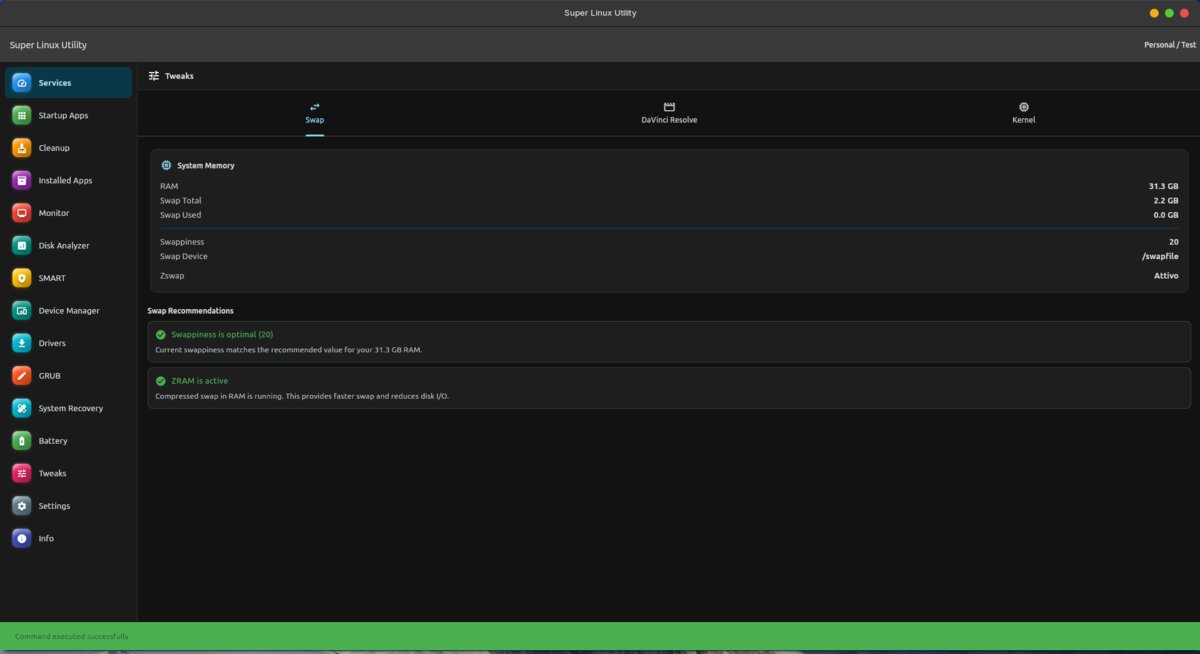
Super Linux Utility - Screenshots 1 Super Linux Utility - Screenshots 2 Super Linux Utility - Screenshots 3 Super Linux Utility - Screenshots 4
Version 2.0.6

FE Media Converter

The power of FFmpeg with a fast, visual interface

Linux, Windows

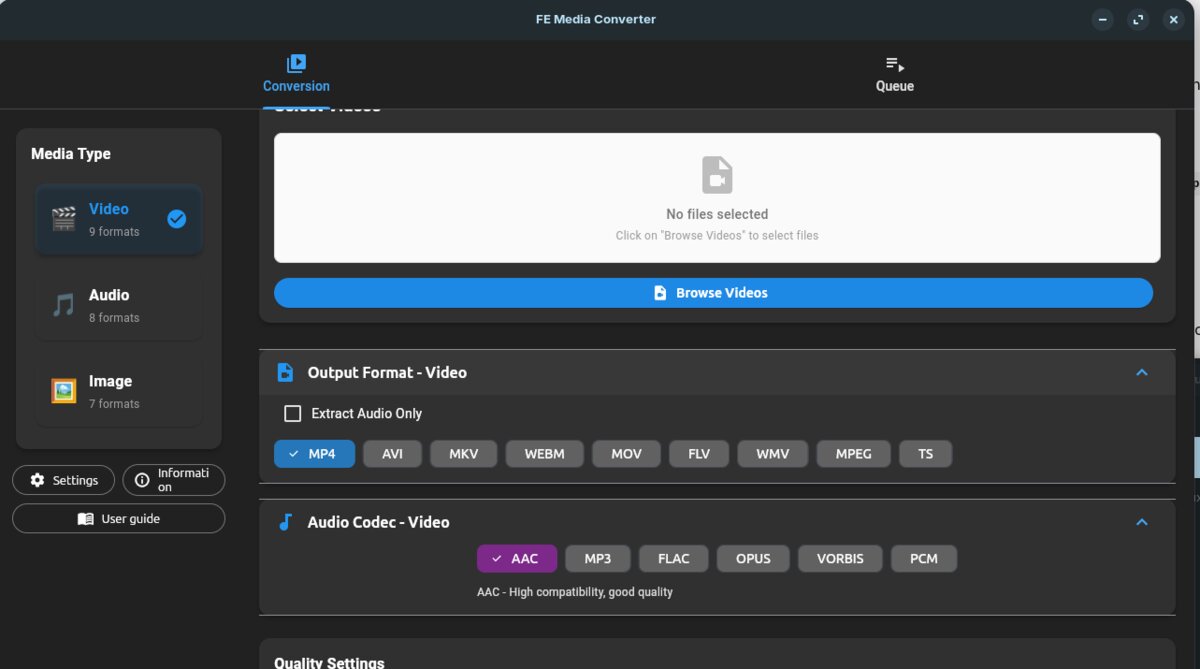
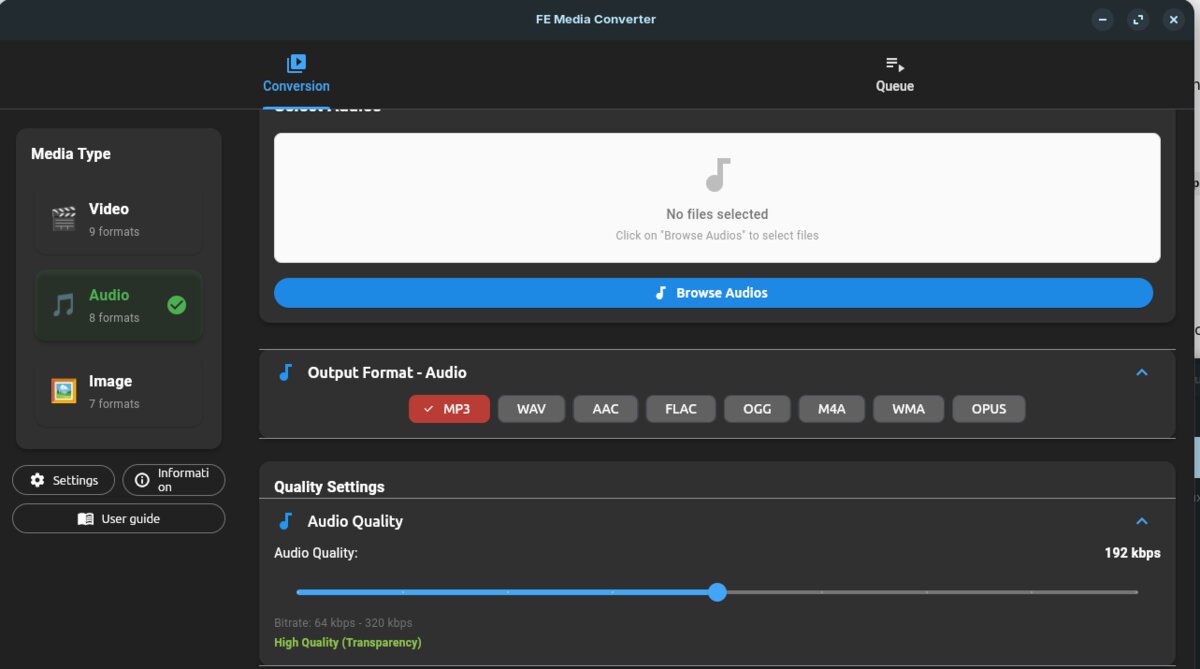
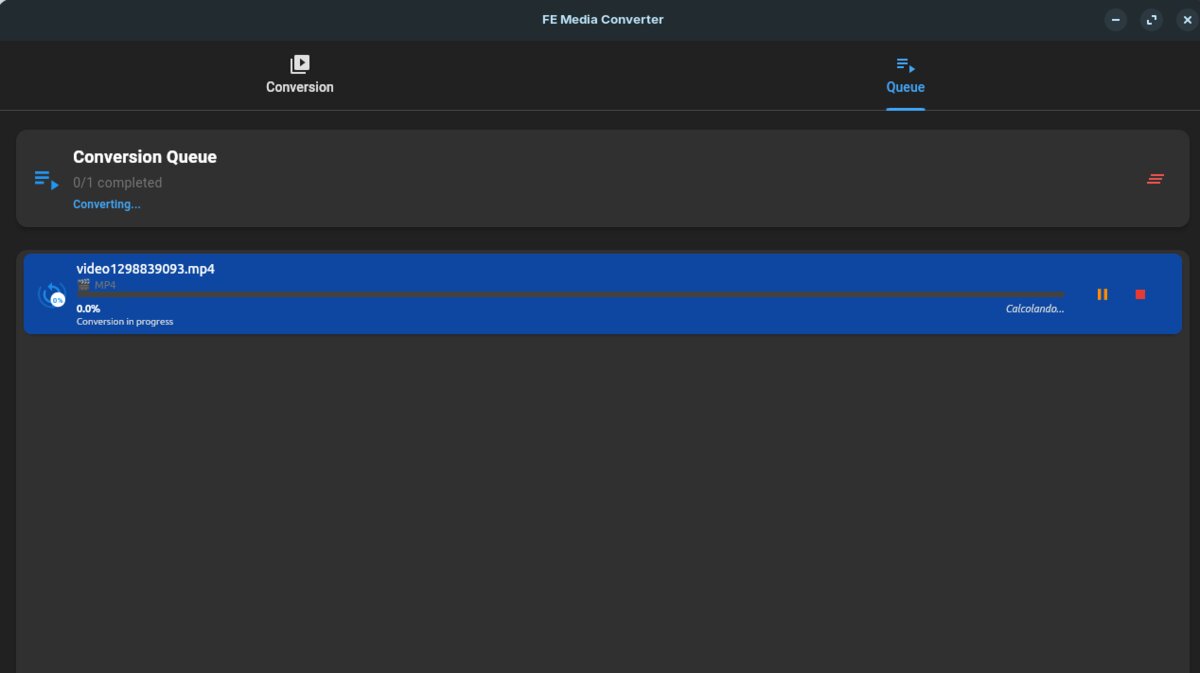
FE Media Converter turns complex media conversion into a visual workflow. It converts videos, audio and images in batch, fine-tunes quality (codec, bitrate, filters) and takes advantage of GPU acceleration when available, without writing command lines.

Key features

  • Video, audio and image conversion in one FFmpeg-based app
  • Batch processing queues with real-time progress
  • Advanced quality controls: codec, bitrate, filters and presets
  • GPU acceleration when available (hardware dependent)
  • Drag & drop workflow, Linux-first and also available for Windows
  • In-app guidance for FFmpeg dependencies and setup
PlatformsLinux (.deb, AppImage, Arch) · Windows (.exe)

Download

All downloads are hosted directly on GitHub Releases, verifiable with SHA-256 checksums.

Screenshots
FE Media Converter - Screenshots 1 FE Media Converter - Screenshots 2 FE Media Converter - Screenshots 3
Version 1.4.5

SAGE File Manager

The modern file manager for Linux: fast, full-featured, elegant

Linux, Windows

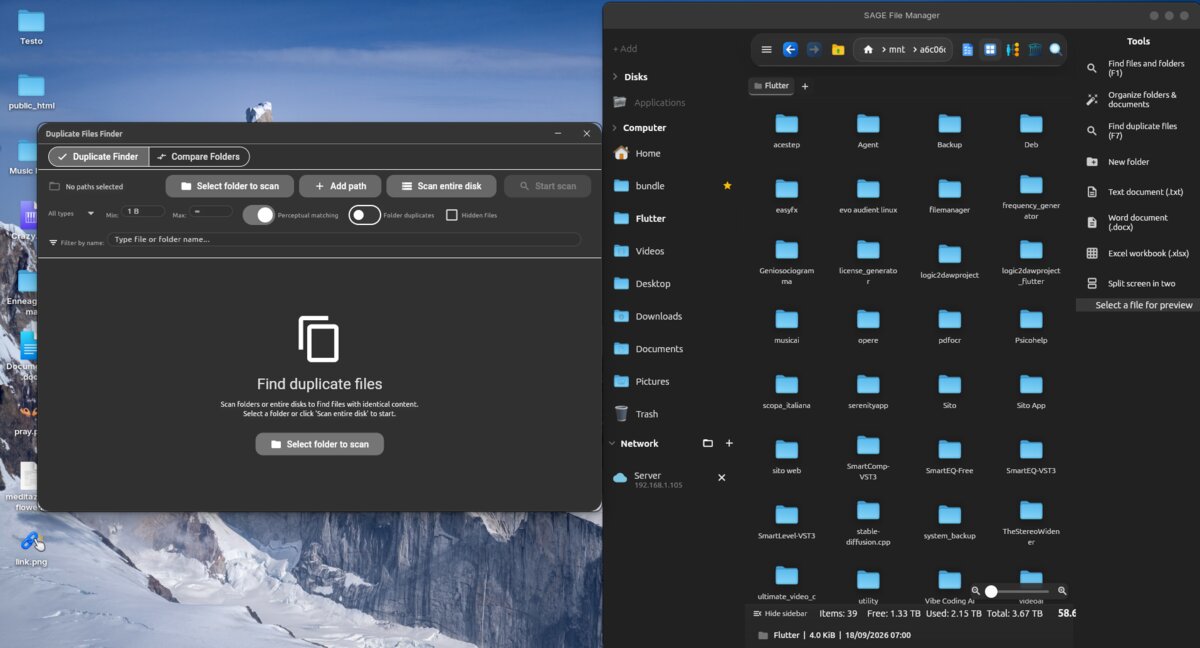
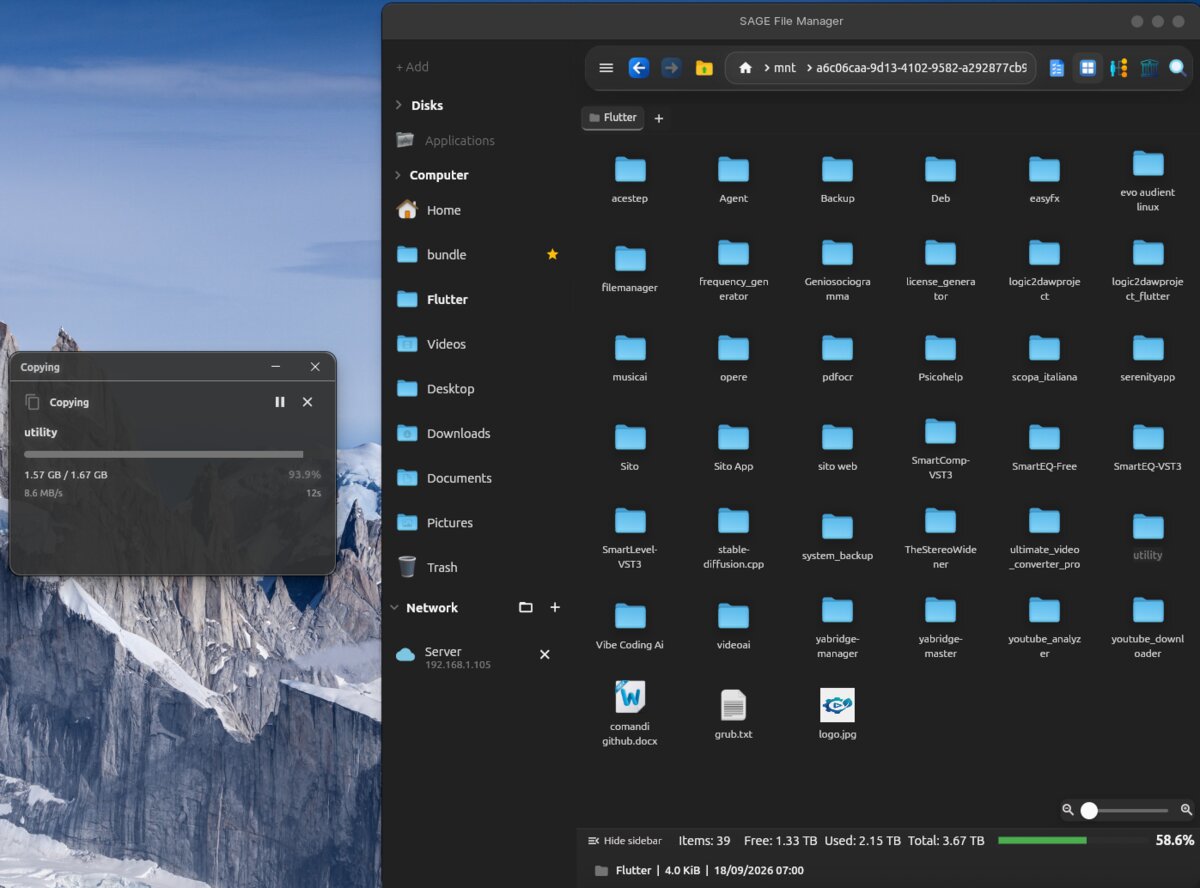
SAGE File Manager is a modern desktop file manager built with Flutter and Rust: split view, advanced search, previews, SMB/LAN support, themes and optimized file operations. The latest version drastically reduces startup times and turns the integrated terminal into a daily driver.

Key features

  • Split, grid, list and details views with quick previews (spacebar)
  • SMB/LAN networking and trash with file restore
  • Integrated terminal with autocomplete and busy-process warnings
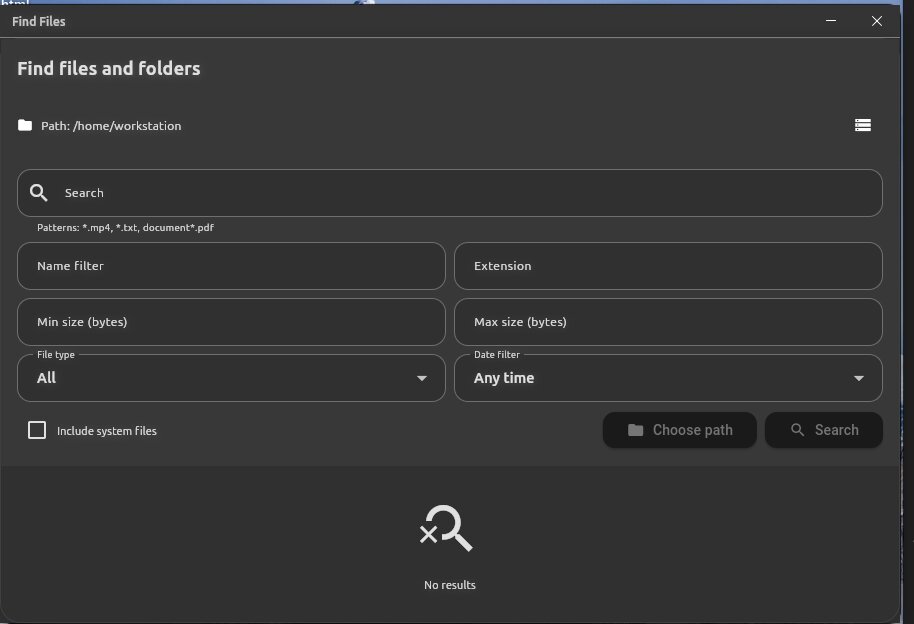
  • Advanced search and file comparison, optimized copy/move operations
  • Themes (light/dark, transparency) and customizable folder colors
  • Interface in 6 languages, also available for Windows
PlatformsLinux (.deb, AppImage) · Windows (.exe)

Download

All downloads are hosted directly on GitHub Releases, verifiable with SHA-256 checksums.

Screenshots
SAGE File Manager - Screenshots 1 SAGE File Manager - Screenshots 2 SAGE File Manager - Screenshots 3

Apps for Linux and Windows

Tools I develop myself and distribute for free: direct downloads from the official releases on GitHub, open source code.

GitHub
Topics
#linux-apps #windows-apps #free-software #open-source #flutter #file-manager #media-converter #free-download